How I Use OpenClaw as My Personal AI Operating Layer
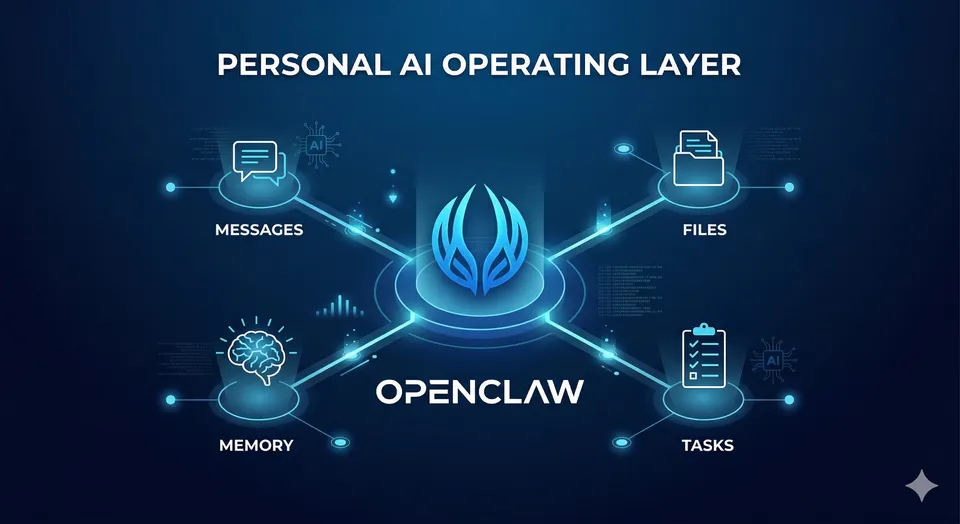
Table of Contents
- The workflow problem I kept running into
- What changed when OpenClaw moved closer to my environment
- Five ways I actually use it
- The boundaries that make it useful
- What this setup taught me
The AI tools I keep are not the ones that impress me most on day one. They are the ones that remove friction on day thirty.
I have tried enough AI tools to recognize the usual pattern.
They look magical at first, useful a few days later, and then somehow end up as another tab I stop opening.
That pattern usually has less to do with model quality than people think. The problem is workflow. Most AI tools still live outside the place where the real work happens. I have to open them manually, restate context, paste in notes, translate the result into action, and then switch back to whatever I was doing before.
That is fine for one-off questions. It is much less useful for everyday work.
OpenClaw felt different to me because it sits closer to my actual environment. I can talk to it through messaging, let it read local context, keep memory in markdown, and sometimes hand off a small scoped task when I want another pass on something.
The best way I can describe it is simple: OpenClaw became my personal AI operating layer.
Not magic. Not autopilot. Not a replacement for judgment. Just a practical layer between me and the growing pile of notes, reminders, files, tiny tasks, and context switches that fill up a normal day.
1 · The workflow problem I kept running into
Before OpenClaw, I was already using AI the way most technical people do.
I used it to clean up writing, brainstorm names, summarize things, ask technical questions, and occasionally pressure-test a decision. That was already helpful. What still felt broken was the amount of operational glue work I had to do myself.
I had to:
- open the tool
- restate the situation
- paste in the relevant notes
- figure out what part of the answer was actually useful
- move that result back into the real workflow
That friction matters more than people admit.
For me, the biggest productivity leak is rarely one huge hard problem. It is the constant stream of small interruptions: check this file, summarize that output, remember this preference, save that idea, draft a message, review a note, come back later, and somehow not lose the thread in between.
I did not really need a smarter chatbot.
I needed something that could live closer to my environment and reduce how much coordination work I was doing in my own head.
2 · What changed when the assistant moved closer to the work
In practice, I do not think of OpenClaw as an AI chat app.
I think of it more like an assistant runtime with context.
It can talk to me through channels I already use. It can read files. It can keep lightweight memory in markdown. It can use tools. It can write things down so the next conversation does not have to start from zero. It can also split off bounded helper tasks when I want a second pass, a narrower investigation, or a cleaner side thread.
That changes the interaction model.
Instead of treating AI like a place I visit, I use it more like a control layer that sits across the work:
- part note-taking layer
- part operator
- part writing partner
- part context retriever
- part delegated helper
That last part matters most.
The useful jump is not from “AI that answers” to “AI that sounds human.” The useful jump is from “AI that answers” to “AI that can operate inside a real environment with clear boundaries.”
3 · How I actually use it
This is the part that matters most to me. The value is not in abstract capability. The value is in repeated, boring, reliable usage.
1. Messaging as the control plane
One of the reasons OpenClaw stuck is that I can interact with it from messaging instead of treating it like one more dashboard.
That sounds small, but it changes behavior.
If I need to open a laptop, open a browser, open a tool, and rebuild context before I can ask for help, I often will not ask. If I can send a quick message from Telegram and get a useful answer, summary, or draft back, the assistant becomes part of my actual workflow instead of a separate destination.
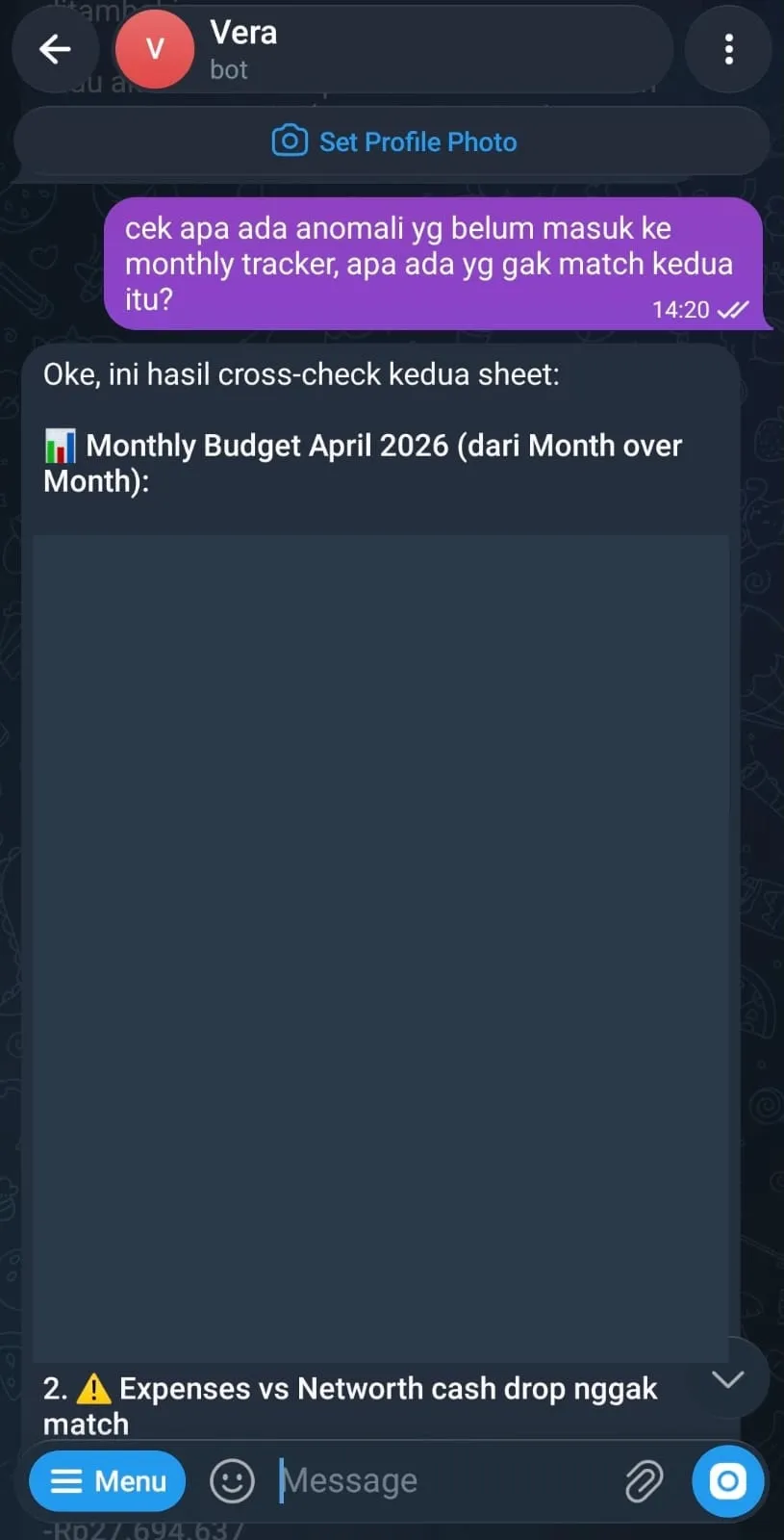 OpenClaw Telegram assistant performing financial anomaly checks and cross-sheet comparisons
The interface matters more than people think. A lot of AI tools fail not because the models are weak, but because the path from “I need help” to “I got something useful” is still too long.
2. Memory and continuity through local markdown
One of the most practical parts of my setup is persistent memory stored in markdown files.
That sounds boring compared to the bigger AI claims people like to make, but I think it is one of the real unlocks.
The assistant becomes much more useful when it can read local context about:
- how I like it to respond
- what I am currently working on
- preferences I have already clarified
- operating rules for certain tasks
- decisions I do not want to re-explain every time
The point is not perfect memory. The point is reducing the cost of continuity.
Without some durable local truth, every conversation becomes a partial reset. With that context in place, the assistant feels less like a demo and more like a system that can accumulate working knowledge over time.
3. Writing and thinking support
I also use OpenClaw heavily for writing, but not in the lazy “write this for me” sense.
The useful middle layer is where it helps most:
- shaping an angle
- stress-testing a framing
- suggesting titles
- turning rough bullets into structure
- producing a first draft I can react to
That is exactly the kind of help I want when writing a blog post.
I am not looking for a machine that replaces my voice. I am looking for something that helps me move from messy internal thoughts to a draft with shape. For writing, the hardest part is often not the final wording. It is deciding what the piece is actually about, what to leave out, and how to make it feel specific instead of generic.
4. Personal ops from chat
This is where OpenClaw starts to feel less like content AI and more like an operating layer.
I can use it to inspect files, summarize logs, check context from earlier notes, and handle lightweight operational tasks without bouncing through multiple tools manually.
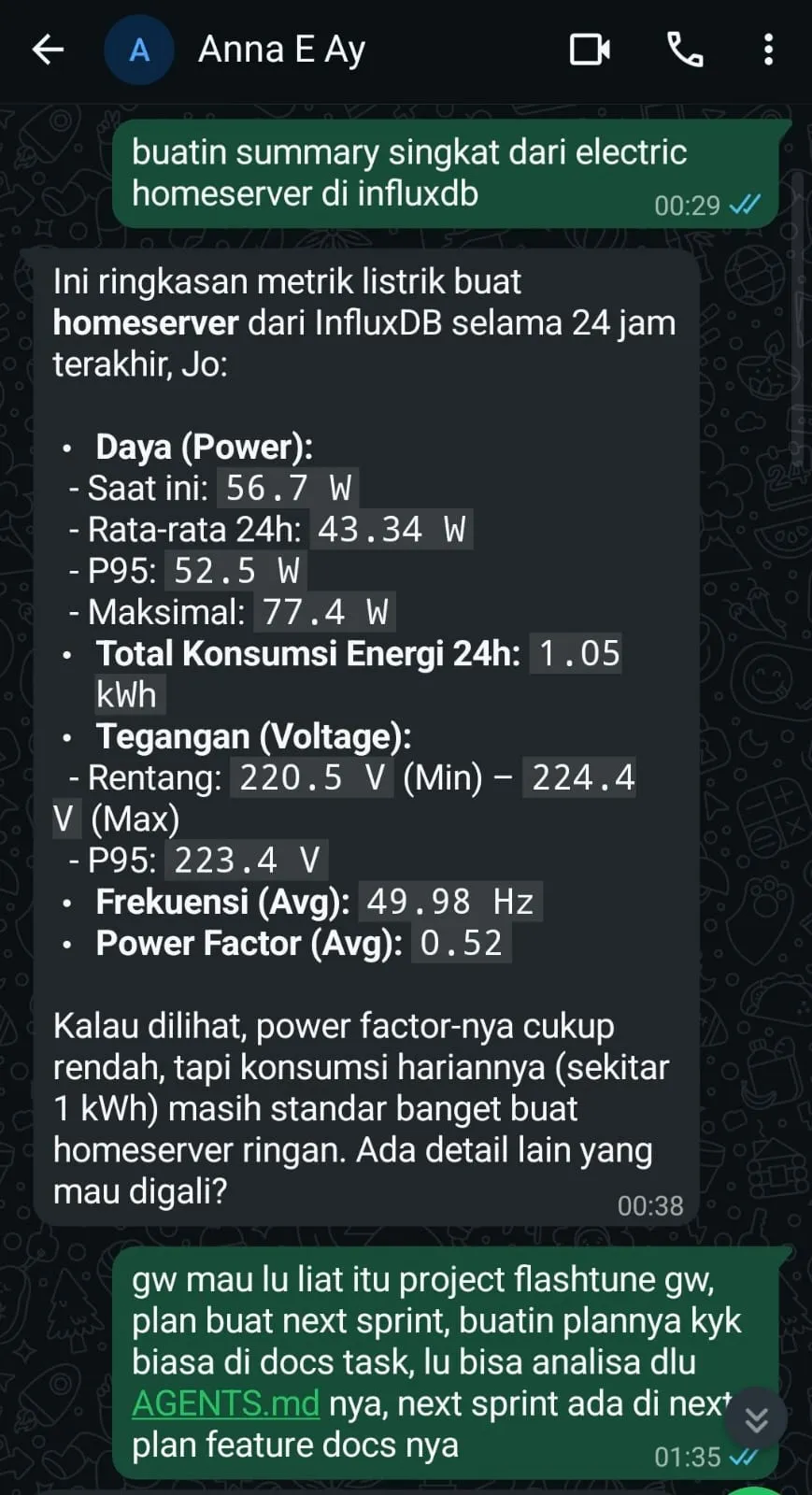 OpenClaw WhatsApp assistant retrieving homelab metrics and organizing project tasks
As someone with a software and infra mindset, that matters a lot.
The interesting part is not that the assistant can say smart things. The interesting part is that it can touch the environment just enough to help me move faster. Nice prose is optional. Actually interacting with the workflow is the point.
5. Scoped delegation instead of vague prompting
Another thing I like is the ability to use subagents for bounded work.
I do not mean fully autonomous empire-building agents. I mean something much more practical.
Sometimes I want another pass on an idea, a brainstorm pack, a draft angle, or a small investigation that I do not want cluttering the main thread. In those cases, spinning off a helper task makes sense.
That model fits how I like to work:
- keep the main conversation focused
- offload a bounded task
- review the result
- decide what is worth keeping
This feels closer to delegation than prompting.
Prompting is asking for an answer.
Delegation is asking for progress.
4 · The boundaries are part of the value
This is where I think a lot of AI discussion gets sloppy.
I do not want an assistant acting like me in public without review. I do not want blind trust on destructive operations. I do not want autonomy just because a tool technically has the ability to take action.
The more access an assistant has, the more important boundaries become.
For me, that means:
- external actions stay supervised
- destructive or irreversible work gets extra caution
- public communication gets reviewed carefully
- instructions stay scoped and explicit
- trust is earned through repeatable behavior
Guardrails do not reduce usefulness. They increase it, because they make the tool safe enough to use more often.
That is part of why this setup works for me. The assistant is useful precisely because I do not expect it to be magically correct about everything.
5 · What this setup taught me
Using OpenClaw also made some of my own bad assumptions more obvious.
The best AI workflows are usually boring
The tasks I keep using are not the flashy ones.
They are things like recalling context, summarizing notes, drafting structure, checking details, and investigating something small before reporting back. None of that sounds glamorous. All of it is sticky.
Memory matters more than hype
A powerful model without durable context is still just a short-term conversation.
When the assistant can read the local truth of how I work, what I prefer, and what I have already decided, it becomes much more useful than a slightly smarter model that knows none of that.
Messaging beats dashboard sprawl
I am much more likely to use an assistant when asking for help feels lightweight.
That is one reason messaging works so well for me. It lowers the activation energy enough that I actually use the system in the small moments where help matters.
Constraints improve trust
The more clearly I define what the assistant should and should not do, the easier it becomes to use confidently. Boundaries make the system feel more dependable, not less capable.
AI is best at momentum maintenance
I do not think tools like this replace deep thinking or judgment.
What they do very well is help maintain momentum:
- resume context quickly
- turn rough ideas into structure
- keep notes from disappearing
- surface what matters
- move a small piece of work forward
That is already a big deal.
6 · Why I kept using OpenClaw
A lot of AI tools are easy to admire and easy to abandon.
OpenClaw stayed in my workflow for a simpler reason: it fit how I already work.
It lives closer to my messages, my files, my notes, and my real operating context. It helps with the small but constant glue work that quietly drains energy across a day. It gives me a practical way to treat AI less like a separate destination and more like a layer woven into actual work.
That is what made it stick.
Not because it feels magical.
Because it feels usable.
What do you think?
If you have been experimenting with AI tools and keep bouncing off them after the novelty wears off, I think the more useful question is no longer “which model is smartest?” but “which setup actually fits the way I work?”
That is the lens that made OpenClaw interesting to me. If you have found a setup that genuinely holds up in daily use, I would love to hear how you are using it.